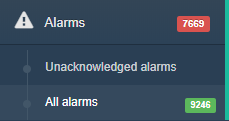
Alarms section
The complete list of your unacknowledged alarms appears on the Unacknowledged alarms section. The alarms are grouped according to the setups. Expand setups to see the alarms.

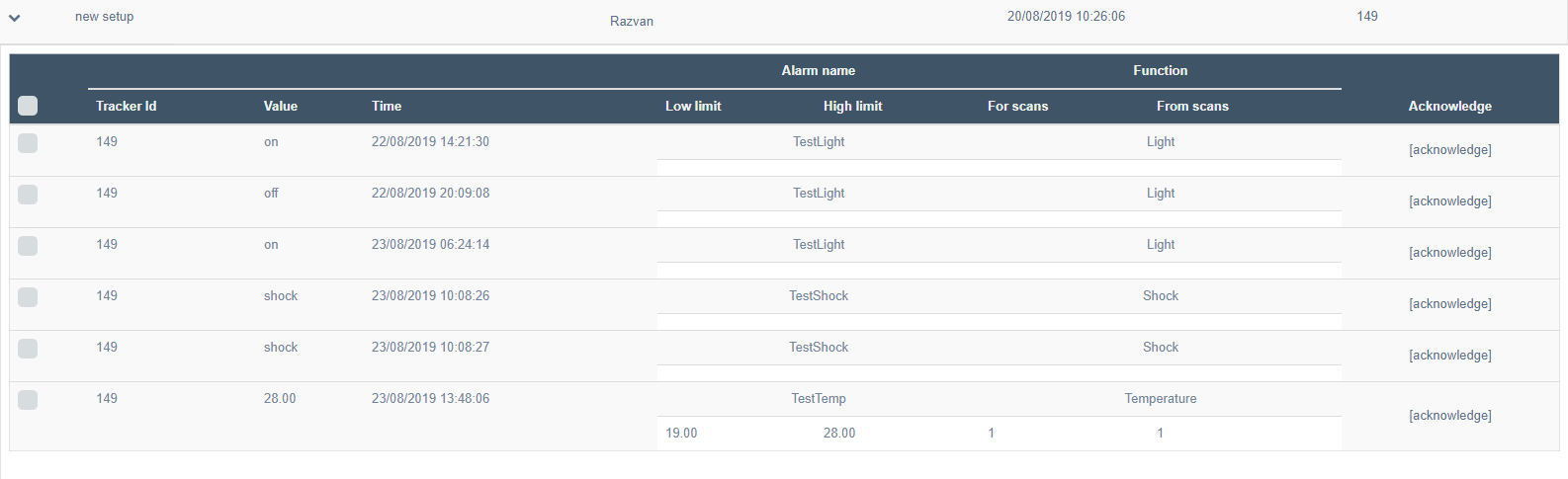
The alarms can be acknowledged one by one, or all at once.
- To acknowledge one by one:
- Select the alarm box and click on
 button
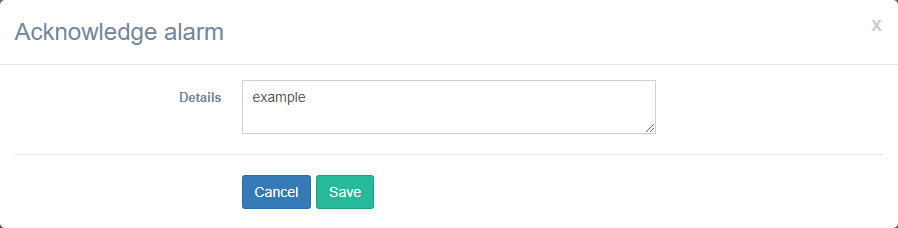
 - A message box will appear to write the acknowledge details
- Click on
 button
 - Alarm will disappear from the unacknowledged list
- The alarms acknowledge all at once:
- Select the box from the header and all the alarm will be selected
- Click on button
- A message box will appear to write the acknowledge details
- Click on button
- Alarms will appears acknowledged with:
- date
- time
- user that made the acknowledge

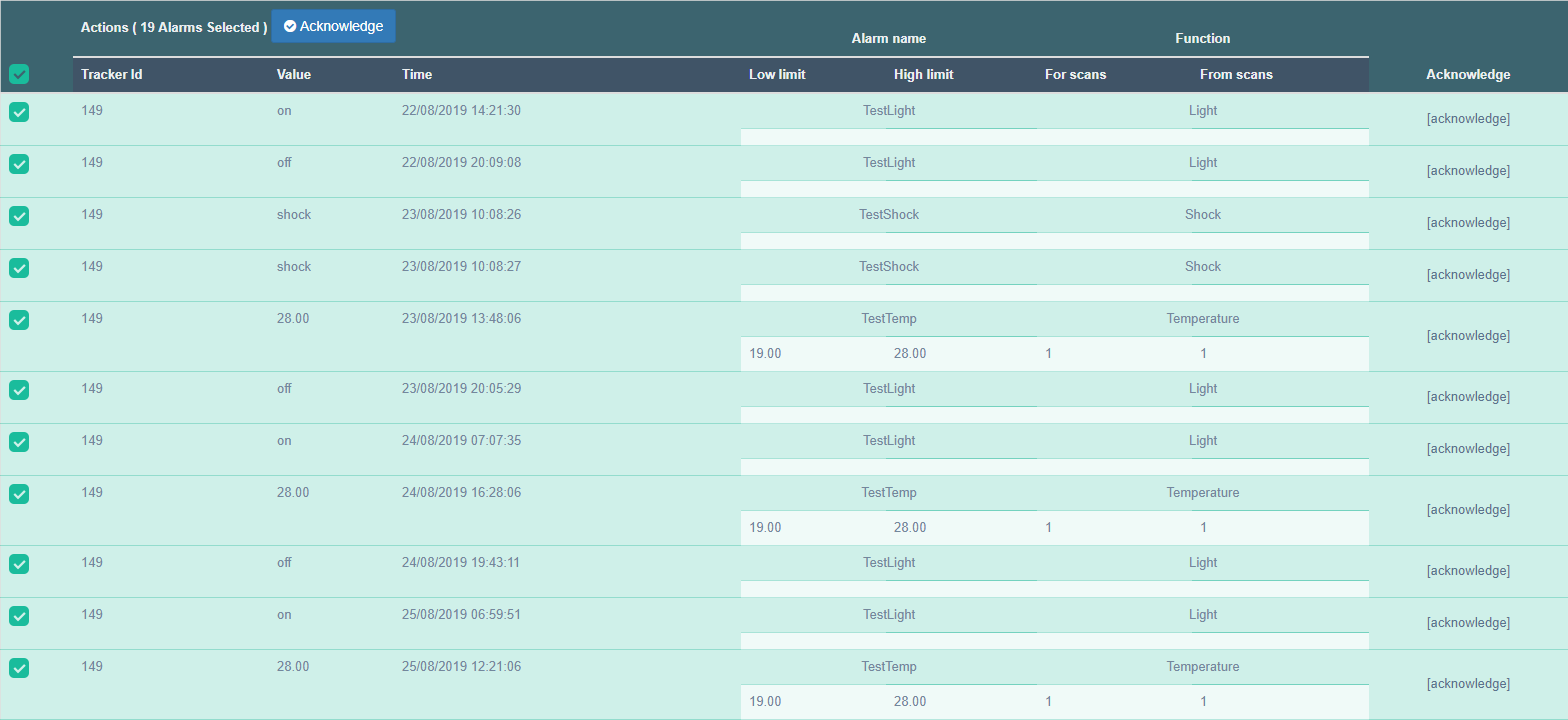
The complete list of your alarms appears on the All alarms section. The alarms are grouped according to the setups. Expand setups to see the alarms.